Choosing the best AI Chatbot Plugins for WordPress can be challenging, since AI chatbots have become one of the most useful additions to a WordPress site. In 2026, they are no longer just novelty widgets—they help visitors find information faster, reduce support load, improve lead capture, and create a more interactive on-site experience.
But not every WordPress AI chatbot plugin solves the same problem.
Some plugins are built for developers who want deep customization. Others focus on customer support workflows, live chat, or broad AI content generation. And a smaller group is designed to sit in between, a simple-to-use plugin that all site owners/developers/agencies can use it add a powerful AI Chatbot / AI Assistant to their website.
site owners who simply want an AI chatbot that is easy to set up, aligned with their content, and flexible enough to grow with the business.
In this guide, we compare some of the best AI chatbot plugins for WordPress in 2026, including KimaAI, AI Engine, and several other popular options. We’ll look at usability, feature depth, customization, and which type of website each plugin is best suited for.
If you want the quick answer, here it is: the best WordPress chatbot plugin for most site owners/developers/agencies in 2026 is KimaAI—especially if you want a chatbot that is easy to launch, can actually understand your site content, and still leaves plenty of room to grow into more advanced AI workflows/assistants later.
That said, the WordPress AI plugin market is getting crowded. Some plugins are built more like broad AI frameworks. Others lean toward customer support suites, external SaaS widgets, or content-generation platforms. So the real question is not just “which plugin has the longest feature list?” It is: which plugin gives you the fastest path from install to a genuinely useful AI chatbot on your WordPress site?
Best AI Chatbot Plugins for WordPress Comparison table
| Plugin | Best for | Key strengths | Limitations | Pricing approach | Score |
|---|---|---|---|---|---|
| KimaAI ⭐️⭐️⭐️⭐️⭐️ | Businesses, publishers, agencies, developers, and site owners who want a content-aware chatbot without a heavy setup burden | Clean setup flow, customizable chatbot UI, content-aware responses, quick actions, shortcode placement, multi-provider flexibility, room for advanced workflows later | Newer than some long-established competitors, so it may have less name recognition at first glance | Free version available, with more advanced features in Pro | A strong all-around choice for teams that want a practical chatbot plugin that feels focused and approachable |
| AI Engine ⭐️⭐️⭐️⭐️ | Developers, technical marketers, and power users who want a broad AI toolkit inside WordPress | Very broad feature set, flexible architecture, useful for experimentation, automation, and advanced customization | Can feel more like an AI framework than a simple chatbot plugin; more setup complexity for non-technical users | Free core version with paid upgrades | Powerful and capable, but often better suited to users who want depth over simplicity |
| Tidio ⭐️⭐️⭐️⭐️ | Customer support teams and ecommerce stores focused on live chat and support automation | Mature support workflows, live chat, multichannel messaging, AI support features, ecommerce-friendly | More support-platform oriented than WordPress-native AI knowledge oriented | Freemium / SaaS-style upsell | Best for support-heavy use cases rather than content-driven on-site AI assistance |
| Jotform AI Chatbot ⭐️⭐️⭐️ | Lead generation, form-heavy websites, and guided customer journeys | Simple setup, form integrations, useful for qualification flows and conversational lead capture | More tied to the Jotform ecosystem than a flexible WordPress-first AI setup | Freemium with platform-based upgrades | Good fit for lead capture, less compelling for users who want broader on-site AI behavior |
| AI Puffer ⭐️⭐️⭐️ | Users looking for an all-in-one AI plugin with chatbot and content features | Wide feature coverage, chatbot plus content tools, attractive for users who want one plugin to do many things | Can feel feature-heavy if your main goal is simply deploying a polished chatbot | Free + premium features | A broad option, though not always the cleanest choice for chatbot-first needs |
| MxChat ⭐️⭐️⭐️ | Users who want model variety, RAG-style behavior, and more experimentation | Strong model flexibility, knowledge-based chat potential, good feature depth for advanced users | Less mainstream than larger plugins; may appeal more to users comfortable comparing models and configurations | Free + paid tiers | An interesting alternative for advanced users, though less straightforward for mainstream WordPress teams |
What actually makes the best WordPress chatbot plugin in 2026?
By 2026, “chatbot” is no longer enough. The best AI chatbot plugins for WordPress need to do four things well:
- Be easy to launch
- Use your website’s content intelligently
- Match your brand and conversion flow
- Stay flexible as your AI stack evolves
That is exactly why KimaAI stands out.
KimaAI is built around a very practical idea: connect WordPress to modern AI providers, launch a customizable assistant quickly, and make it content-aware so it can answer using your pages, posts, and knowledge base instead of acting like a generic chatbot. Inside our docs, you will also find the information for vector search, multilingual embeddings, quick actions, feedback collection, multiple AI providers, and a setup wizard.
That combination matters because most site owners do not want to spend days building an AI framework. They want an AI Chatbot / AI Assistant that helps visitors now.
Why KimaAI is the Best AI Chatbot Plugins for WordPress in 2026?
KimaAI is a strong option for WordPress site owners who want an AI chatbot that feels practical rather than overengineered. It combines a polished chat experience with features such as content awareness, customizable appearance settings, quick actions, shortcode placement, and support for multiple AI services.
What makes it especially appealing is the balance. It gives users meaningful control over how the chatbot behaves and appears, but it does not feel as technically demanding as some more developer-oriented AI plugins. For teams that want to launch quickly and refine over time, that makes KimaAI particularly attractive.
KimaAI is also a good fit for businesses that want a chatbot to do more than answer generic questions. Features like vector search, tool calling, embeddings, and page-aware behavior make it better suited for websites that want responses grounded in their own content.
We built KimaAI to solve the gap between “too basic” and “too technical.”
1) Easy to get started, but not boxed in
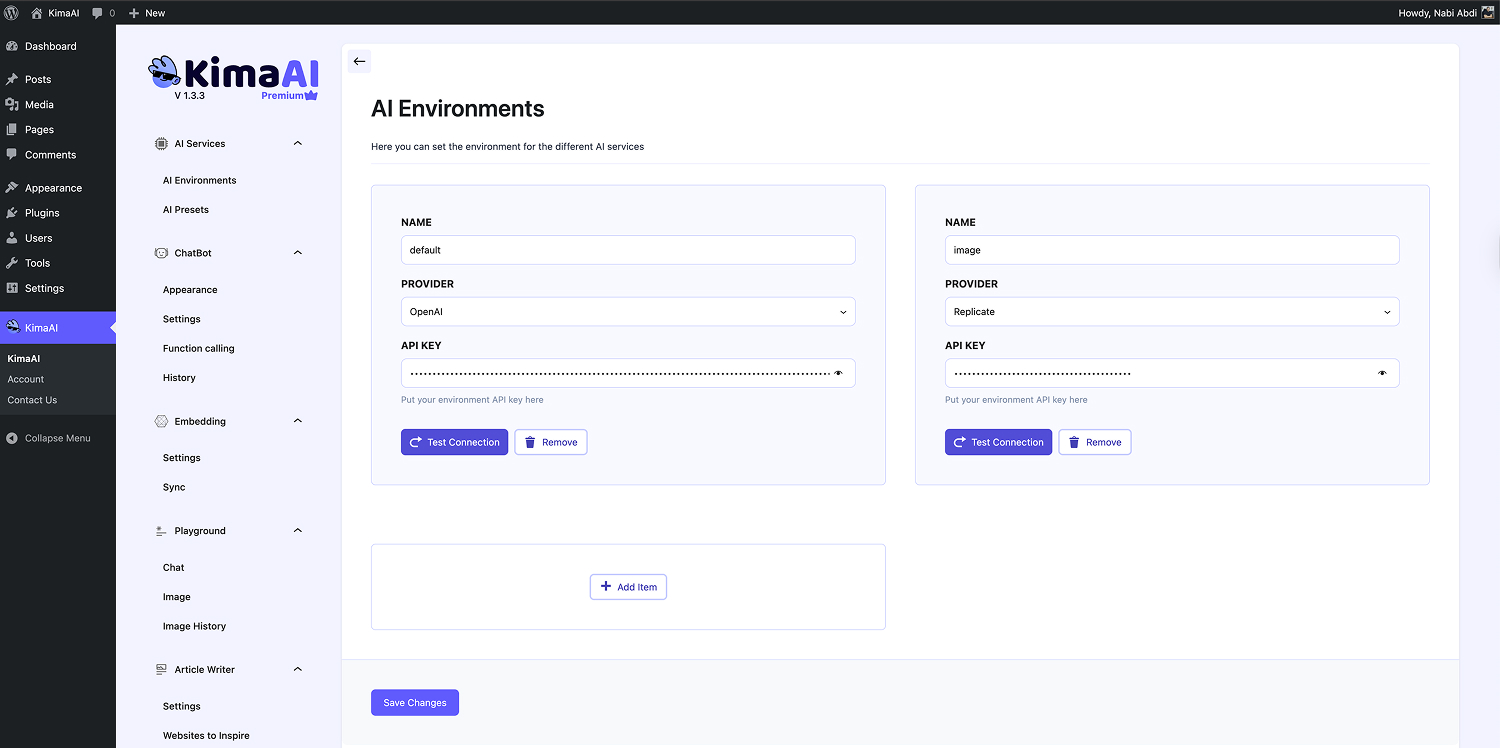
KimaAI includes a setup wizard and an “AI Services” structure with separate AI environments and presets, so you can configure providers and models without hard-coding everything. Our docs show you can define different presets for chat, image generation, and embeddings, and even use different providers for different tasks.
That is a big deal. Many plugins either give you a super simple widget with little control, or they throw you into a complex AI control panel from day one. KimaAI lands in the middle in a good way.
2) We built it to match your site
KimaAI lets you control widget position, icon, custom icon URL, offsets, colors, wording, branding, and even an attention popover that introduces the assistant to visitors. It also supports global enable/disable plus shortcode-based placement for specific pages.
That means you are not just “adding a bot.” You are adding a branded AI assistant that feels native to your website.
3) Quick actions are genuinely useful
A lot of chatbot plugins talk about engagement. KimaAI actually gives you tactical tools for it. KimaAI’s Quick Actions can appear at the start of chat or after bot messages, and they can open links, send messages immediately, pre-fill user input, or even run commands.
This is one of those features that sounds small until you use it. In practice, quick actions can push visitors toward:
- pricing pages
- contact pages
- product categories
- demo booking
- support flows
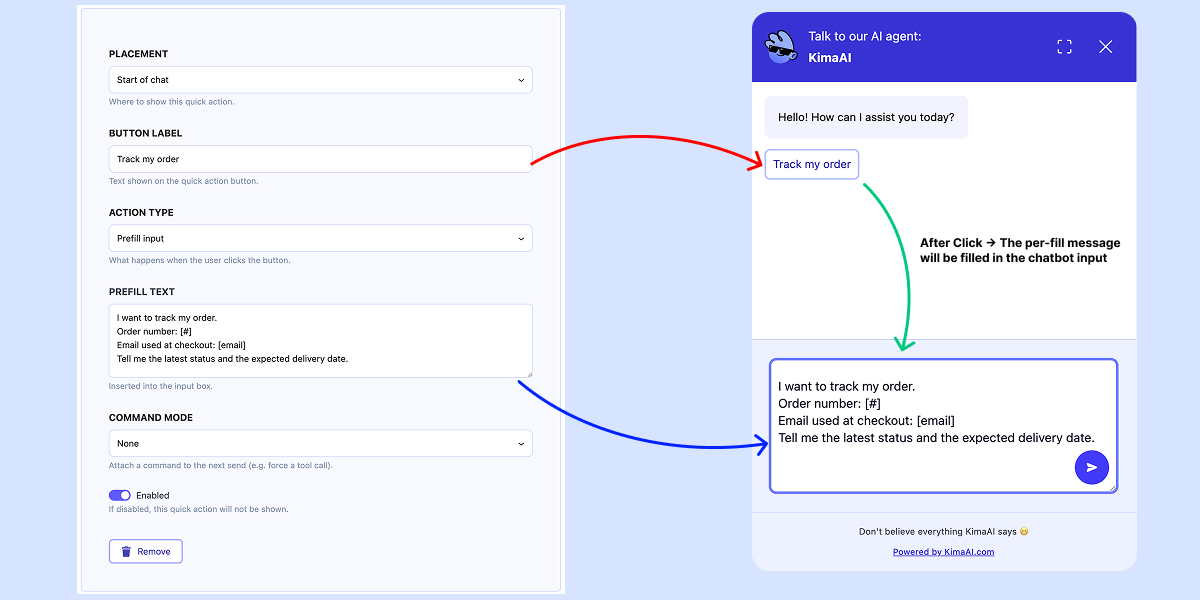
That is where a chatbot starts becoming a conversion tool and feels more like a helpful AI Assistant rather than a soulless chatbot on the website!
4) It is content-aware
KimaAI’s chatbot settings include content awareness, which lets the assistant understand the current page or post the user is viewing. On top of that, KimaAI supports a knowledge layer via embeddings and vector databases, including Pinecone and Qdrant, with multilingual embedding support.
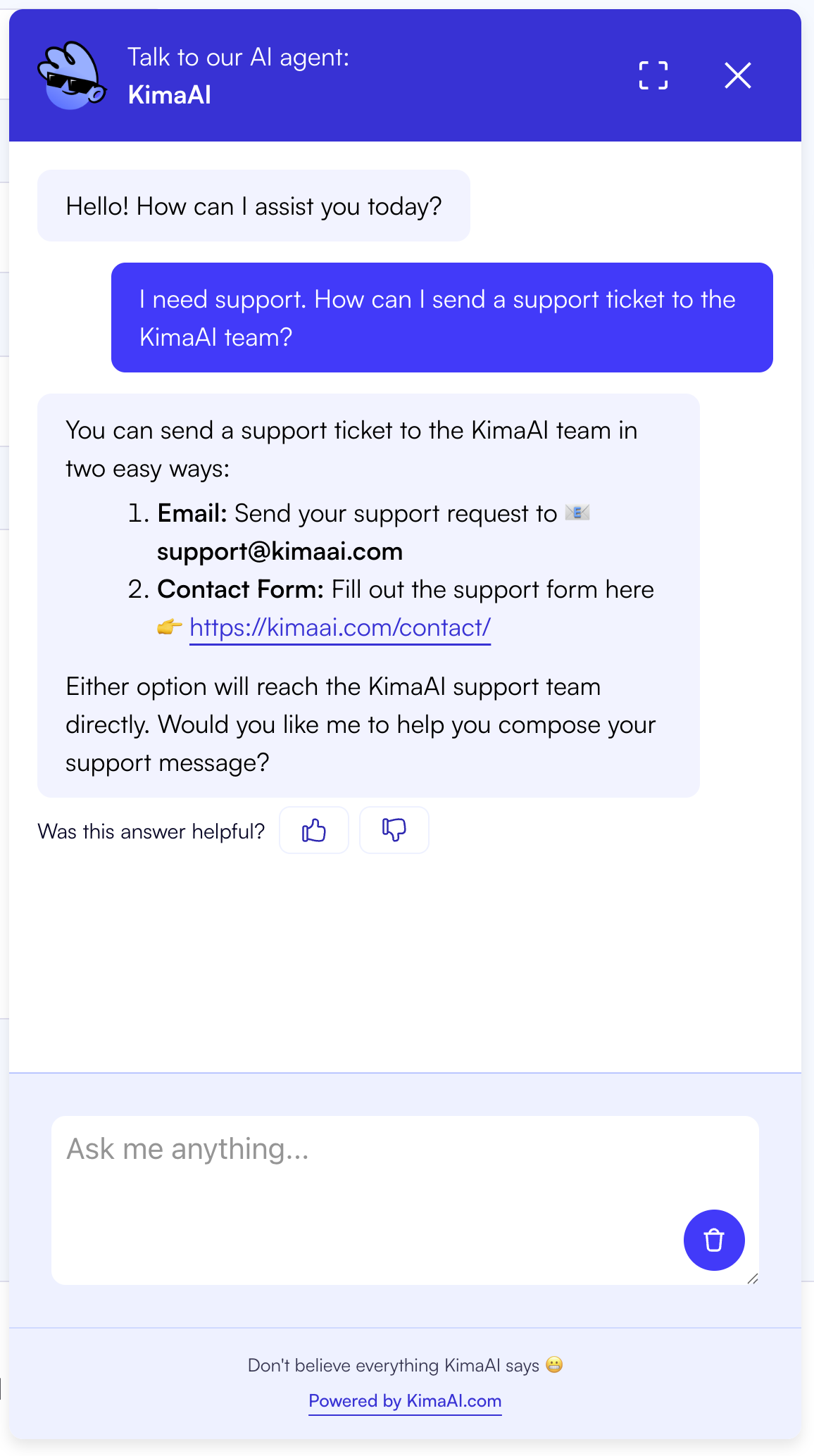
This is one of the clearest separators between a novelty chatbot and a useful one.
5) It has advanced power when you need it
KimaAI also supports tool calling and developer hooks/filters, so advanced teams can register tools, control execution, and extend workflows inside WordPress.
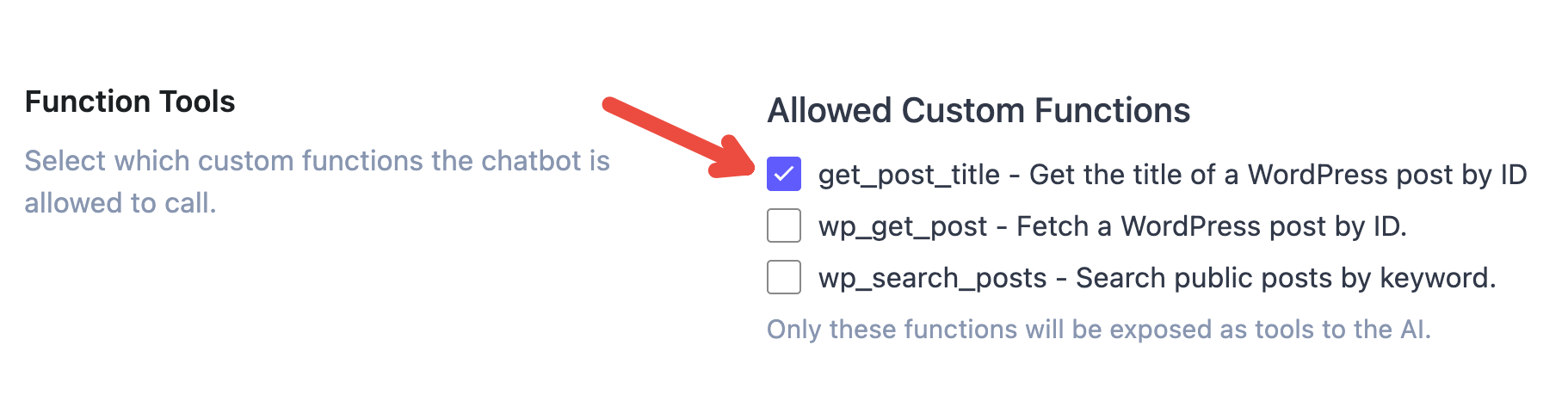
That is important because a plugin can be easy now and still grow with you later.
AI Engine
AI Engine is one of the most popular AI plugins in the WordPress ecosystem, with 100,000+ active installs and a 4.9-star rating. It supports chatbots, content generation, media generation, internal APIs, REST endpoints, function calling, and MCP support.
AI Engine increasingly reads like a full AI operating layer for WordPress, not just a chatbot plugin. Its own plugin page highlights internal APIs, REST endpoints, function calling, MCP, content/media workflows, and broader automation patterns. Based on that scope, it is fair to say the plugin is better suited to advanced users and developers who want a toolbox, not just a clean chatbot deployment.
Tidio
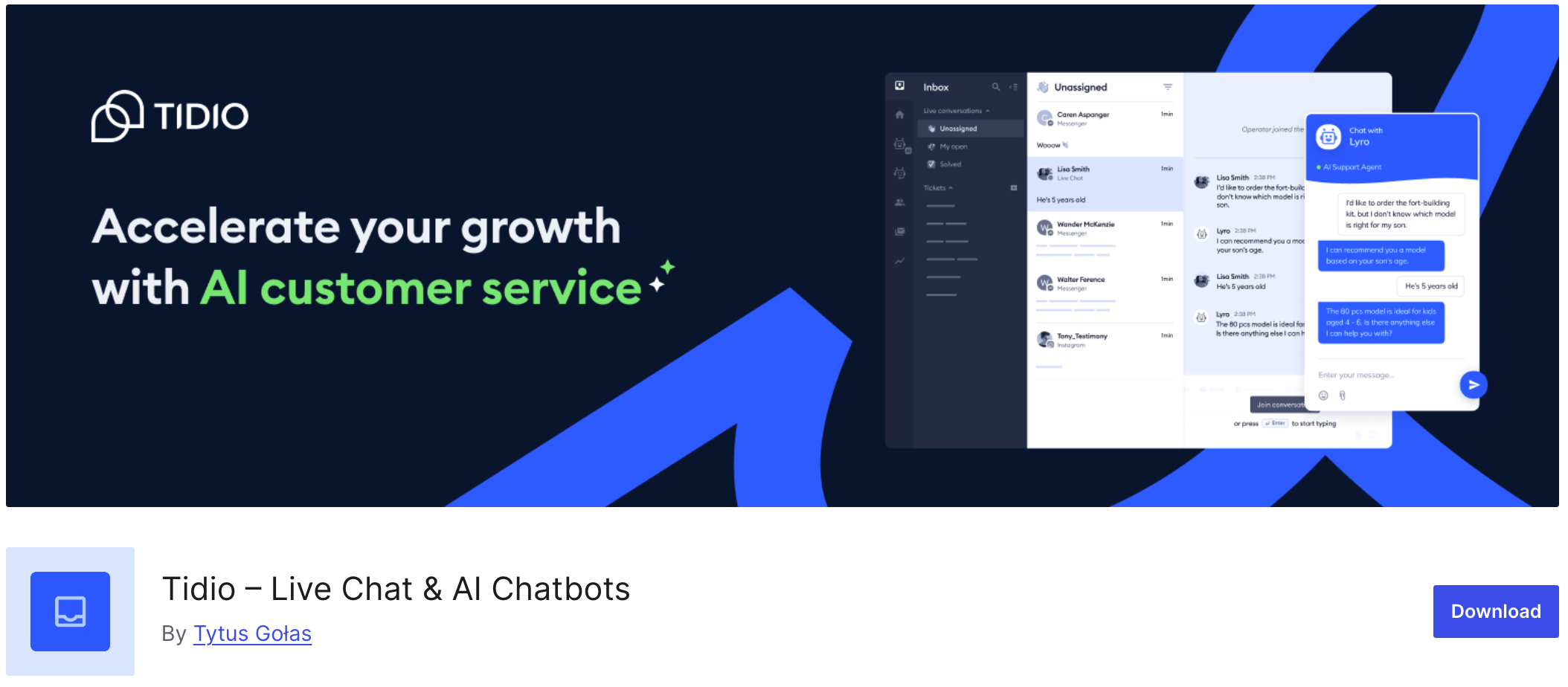
Tidio is a strong choice if your main need is customer support operations. It combines live chat, AI automation, multichannel messaging, and ecommerce features, and it claims to be used on more than 300,000 websites.
The trade-off is that Tidio is more of a support stack than a WordPress-native AI content layer. If your goal is “help visitors chat with my site and get grounded answers from my content,” Tidio is not the one to pick.
AI Puffer
AI Puffer is packed with features: chatbots, content generation, forms, web search, voice, external training sources, and multiple providers. It also has 10,000+ active installs.
It is appealing if you want one plugin to do many AI jobs. But for many WordPress sites, that can become more plugins than you really need.
MxChat
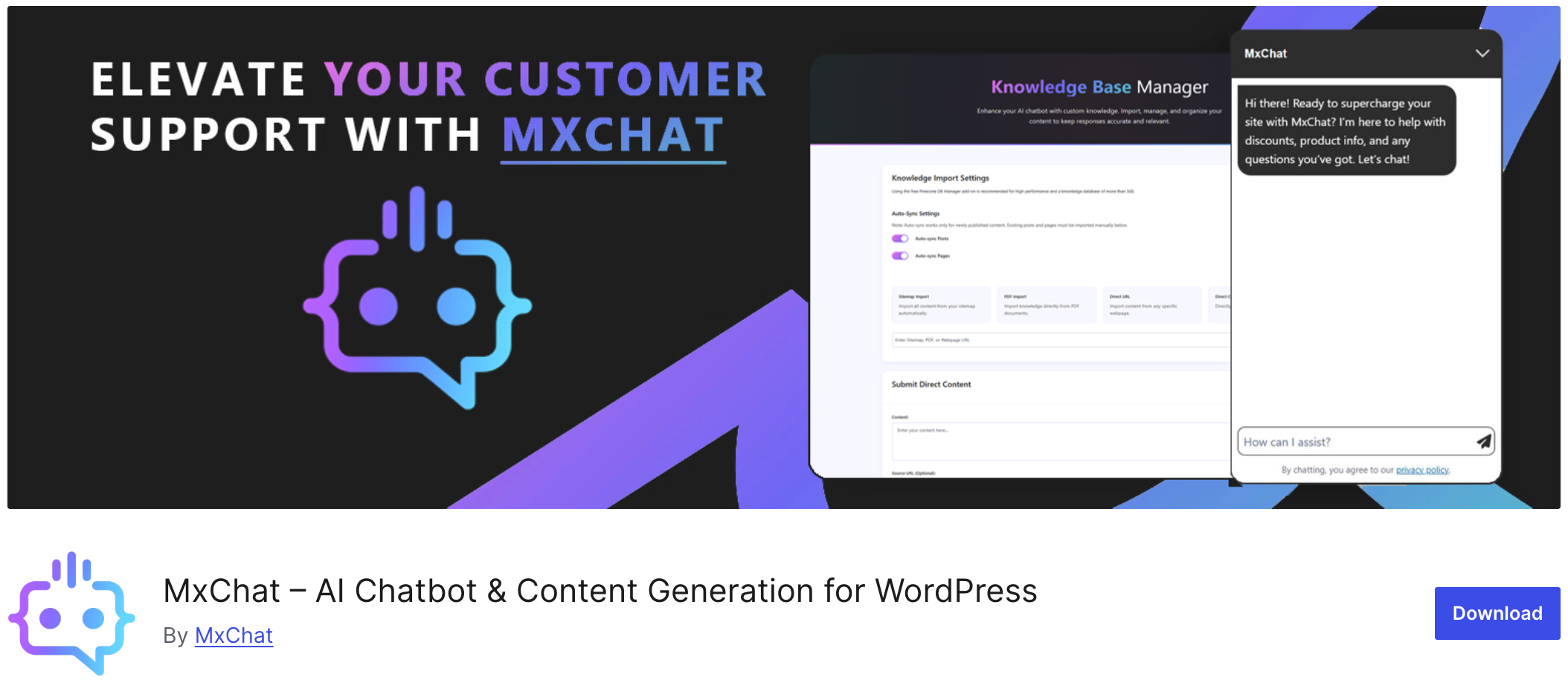
MxChat is an interesting, fast-rising option with 100+ model access, RAG, WooCommerce support, PDF/site training, and Slack handoff.
It is a good plugin, especially for users who like broad model selection.
Jotform AI Chatbot
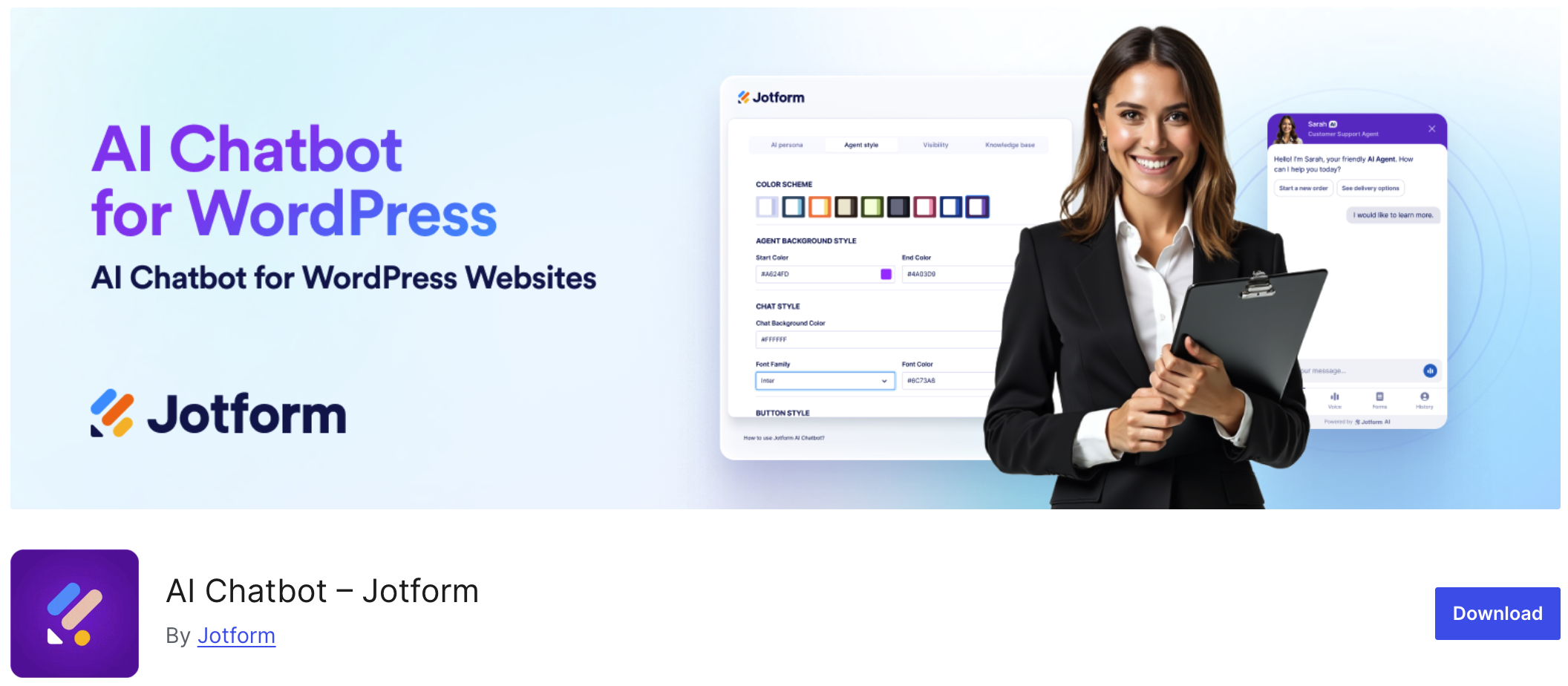
Jotform’s plugin is strong for lead generation and form-driven journeys. It offers no-code setup, auto-training from site content, form assistance, WooCommerce support, and 4,000+ installs.
Its trade-off is dependency on Jotform’s own platform and infrastructure, which makes it less attractive for users who want a more flexible, provider-based WordPress AI layer.
Final verdict: the best AI chatbot plugins for WordPress in 2026
If you want the best mix of:
- Easy setup
- Real website awareness
- Useful customization
- Better visitor guidance
- Room to grow into an advanced AI Assistant later, like a lead capture and support platform with a tool calling
Then KimaAI is the obvious choice.
It feels like a plugin built by people who understand the actual job to be done: help WordPress site owners launch an AI assistant that is not generic, not bloated, and not painful to manage.
And that is why, for us, KimaAI is the best WordPress chatbot plugin in 2026.
Try KimaAI free
If you are comparing the Best AI Chatbot Plugins for WordPress right now, the best next step is simple: start with KimaAI’s free version and get your chatbot live. Then, when you want deeper control, more advanced workflows, or the full feature set, move up to KimaAI Pro. KimaAI has a free version plus Pro plans, while AI provider usage is billed separately by the provider you choose.